Introduction:
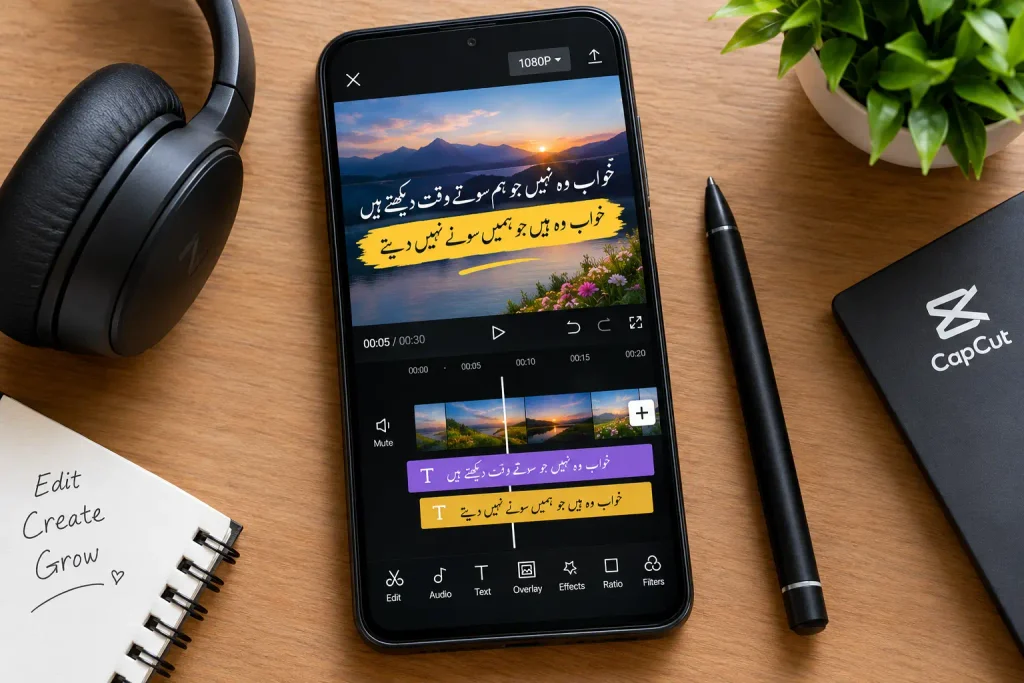
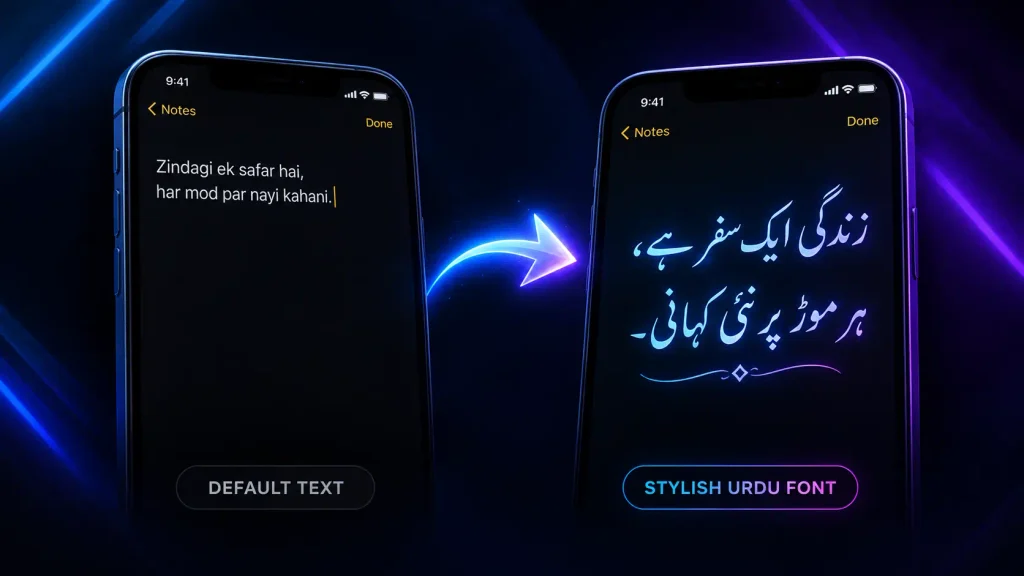
Mobile video editing has taken over as the go-to method for creators, vloggers, and social media influencers who want to produce professional quality content right from their smartphones. Apps like KineMaster and CapCut have made editing easier than ever, but honestly, one thing that gets overlooked way too often is the font used for Urdu captions. I’ve seen so many well edited videos get ruined just because the text looked messy or hard to read. After testing a bunch of fonts across both apps, here’s my ranking of the top 5 starting with the one I personally use the most.
Jameel Noori Nastaleeq
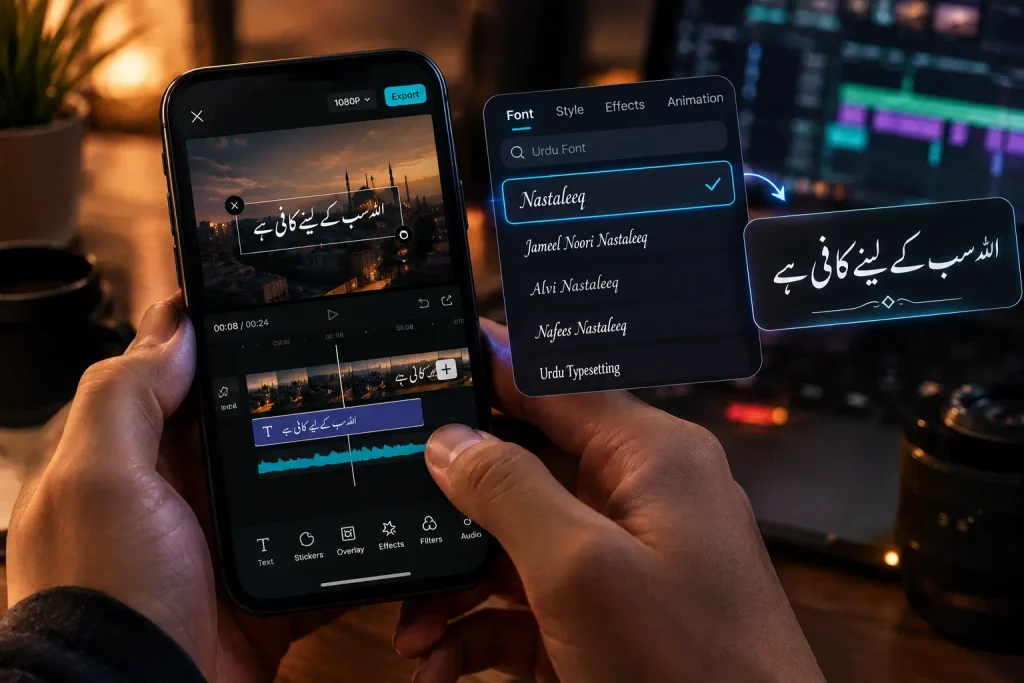
This is basically the gold standard of Urdu fonts, and there’s a reason it’s my 1 pick it just works everywhere. Traditional Nastaleeq style, super clean, and readable even at smaller sizes. If you’re only going to install one font, make it this one.
Shamsheer Unicode
My go to for titles and thumbnails. It’s bold and grabs attention immediately, though I wouldn’t use it for long captions since it can feel a bit heavy after a few words.
Alvi Nastaleeq
This one’s more for poetry, quotes, or emotional content it has a calligraphic, artistic feel to it. Not the most practical for everyday captions, but it makes a huge difference for aesthetic focused videos.
Urdu Naskh Unicode
Simple and no nonsense. I mainly use this for educational or tutorial-style videos where clarity matters more than style. It’s not flashy, but it does the job well on small screens.
Noto Nastaliq Urdu
This one’s my backup option honestly it’s reliable and renders consistently across different phones, but it doesn’t have as much personality as Jameel Noori. Good if you’re editing on multiple devices and want consistency.
Tips and Tricks for Using Urdu Fonts Like a Pro
1. Always Download Fonts in TTF Format
Most editing apps like CapCut and KineMaster read .ttf files more reliably than .otf. If a font isn’t showing up after installation, this is usually the first thing to check.
2. Use a Font Manager App for Installation
Just downloading a font file isn’t enough use an app like iFont” (Android) or Fonts iPhone to properly install it system wide so your editing app can actually detect it.
3. Always Restart the App After Installing a New Font
A super common mistake people install a font and expect it to appear instantly. Fully close and reopen CapCut or KineMaster after installing, or the font won’t show up in the list.
4. Fix the RTL Text Glitch in CapCut
Since CapCut doesn’t support right to left text natively, Urdu can sometimes render jumbled. Fix it by typing a space first before your Urdu text, or by typing in English, deleting it, then switching to Urdu.
5. Go Bold for Titles, Keep It Light for Captions
Bold or semi-bold fonts hold up better against busy or moving backgrounds perfect for titles. For long captions, a lighter Naskh-style font is easier on the eyes.
6. Size Up Your Urdu Text
Urdu Nastaleeq fonts generally need to be 20-30% bigger than English fonts to stay equally readable, especially on small mobile screens.
7. Keep Animations Simple
Skip character by character animations they can break the right-to-left flow of Urdu text. Stick to simple fades or slide-from-right transitions.
8. Always Preview on the Actual Video Background
A font that looks perfect on a plain white screen can become unreadable over a busy or dark clip. Always check your text directly on the real footage before finalizing.
9. Save a Font Backup Folder
App updates sometimes reset installed fonts. Keep your downloaded font files backed up in Google Drive or phone storage so you’re not stuck re-downloading everything.
10. Match the Font to the Mood of Your Content
Elegant Nastaleeq for poetry and emotional reels, clean Naskh for tutorials and educational content, bold fonts for titles and thumbnails —the right match makes a noticeable difference.
11. Layer Two Fonts for a Designed Look
Use one font for your main caption and a contrasting font for emphasis words this small trick instantly makes text look more professional and less “default.”
12. Study Viral Videos for Font Inspiration
Notice a caption style trending on Reels or TikTok? Screenshot it and zoom in most viral creators reuse the same handful of fonts, so once you spot the pattern, you can recreate it.
13. Add Outlines or Shadows for Better Visibility
A subtle black outline or drop shadow behind Urdu text keeps it readable against any background, especially busy or bright footage.
14. Save Your Favorite Style as a Preset
Once you land on a caption combo you love font, size, color, outline save it as a preset in your editing app. Saves time and keeps your content looking consistent.
15. Refresh Your Font Library Monthly
Free Urdu font sites add new styles regularly. Bookmark 2-3 reliable sources and check back monthly so you’re using fresh fonts before they become overused.